
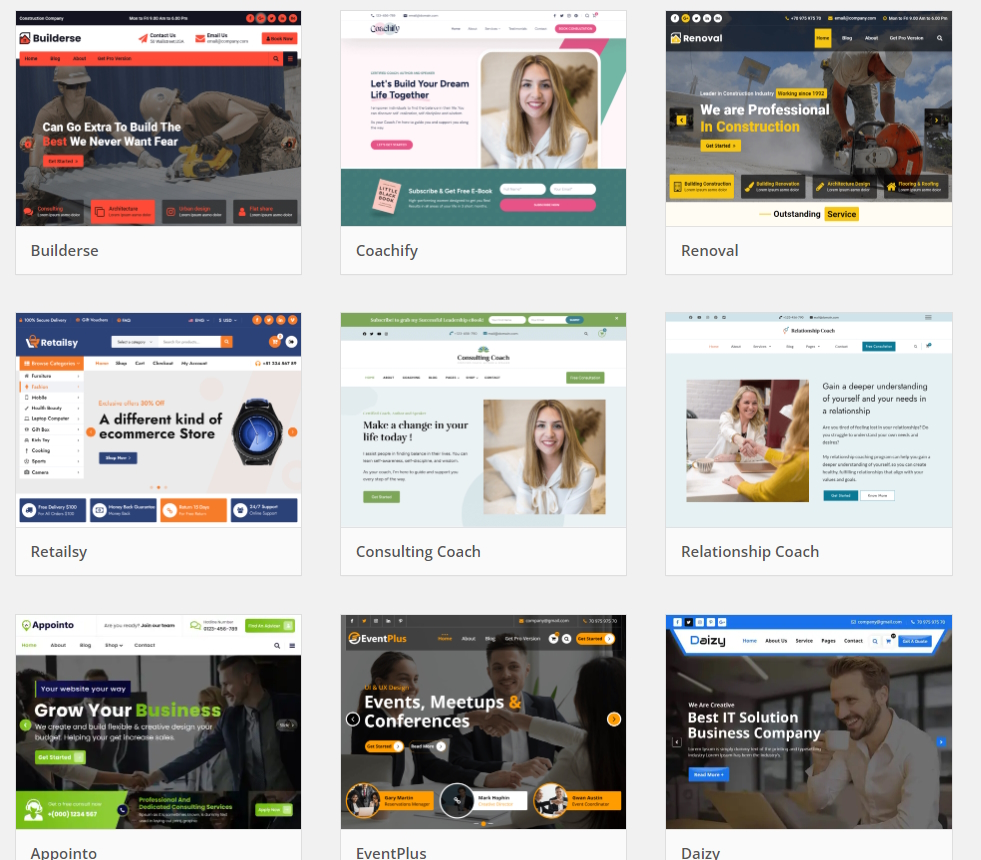
We have been asked by a couple of clients recently if they should buy an expensive WordPress theme to get a good looking website, or is there an alternative.
There are over 59,000 free plugins on the WordPress site! And almost 12,000 free themes to choose from!
We have found that expensive themes do look very good, but the free version can be missing some of the most impressive features – well you would expect that, as creating a theme with lots of great features is not a five minute job! The authors do deserve payment for their work, just like you and me. We have also found that some themes are targeted at specific markets or site concepts and when you look closely, it is how they are using images that can make the theme look great. So if the theme you are looking at is targeted at an area completely different to your own site, you have to ask yourself can it be adapted to work for you? And do you have enough great images that will match your requirements? (Also, see our help page on Websites and Big Images .) And finally, a complex theme will take longer to learn and use effectively than a simple one, simply because there are so many more options.
So is there an alternative to an expensive theme?
On several clients’ sites we have used a simple theme and then chosen a few good plugins to get the sort of special effect or special layout that can lift the design to a higher standard. Now the same thing you encounter with a great theme applies to a great plugin – the really spectacular features are only available in the paid versions. But it is true you can save some time and money by selecting the plugins you use carefully. We have also used a couple of plugins where the paid version was well worth the extra cost for that important thing you wished to do, and often, especially if you are building the site yourself, can save you a lot of time. Many great themes offer so many options you can spend ages trying to find out how to implement the bits you are keen on using. (When it comes to online shops, some plugins are so complex that the creators of the shop software state clearly they will not offer support for some plugins. I have learned that the hard way, wasting many hours searching through the plugin tutorials to find how to do something new. Take my advice if this happens to you – once you’ve got it working, sit back, relax, then work through a second time, writing down all steps you took. It will pay off when a year later you decide to alter it!)
We have used the Elementor plugin on several sites, and even with the free version, we have quickly made a simple free theme look much better, by creating two or three basic page layouts which cover most of the client’s needs. Elementor is what is known as a Page Builder Plugin, currently featuring over 40 widgets you can use. This lets you create your own page layouts. Elementor is so good, it has led to a host of developers creating plugins to enhance Elementor itself! Yes, a powerful plugin that has plugins for itself from other developers. The basic version of Elementor has 40+ widgets and is free from the main WordPress site. There are paid version as well – Essential version has 50 widgets, the Advanced and higher still versions have 82 widgets. So far, we have only needed the Basic free version. With the paid versions, you can pay yearly to get the latest improvements and support every year for several sites, or pay for one year, use it on only your own site, and updates and support stop at the end of the year. So you are not locked in to paying every single year if you are happy with which ever version you have used. A professional developer or agency would find the more expensive versions worth investing in if they built and updated many site designs every year.