

This is IT.

Just a test page

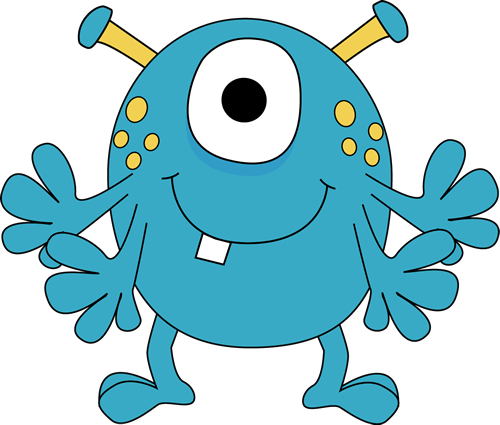
There once was a web site that no style, and was mocked by all the posh expensive sites that were hosted on the same server. Then suddenly it heard of Sky-Web, and they experimented on it.

Being scientists, Sky-Web turned it into a mutant with six legs and big bitey bitey teeth – or to be exact, tooth. And the posh sites were scared and never mocked it ever again.

It still lacked style and content, but when you are a mutant, people don’t mess with you.

Thanks to clipart-library.com/ for taking the picture and getting out alive.

A mutant monster

Research by trained scientists, like us, shows that not all monsters are bad.

Take the Empire State Building for example. It is huge, a monster of a building, but it’s not bad, is it? It’s just big and we can’t really hold that against it.

Well, we might be a little bit biased here are Science Central, but are pretty sure that it’s only in the movies that scientists are mad, bad, and dangerous to know. Just look at Einstein. Apart from being a physicist, he was a violinist and editor of a classical music society’s journal! See? Multi-talented.

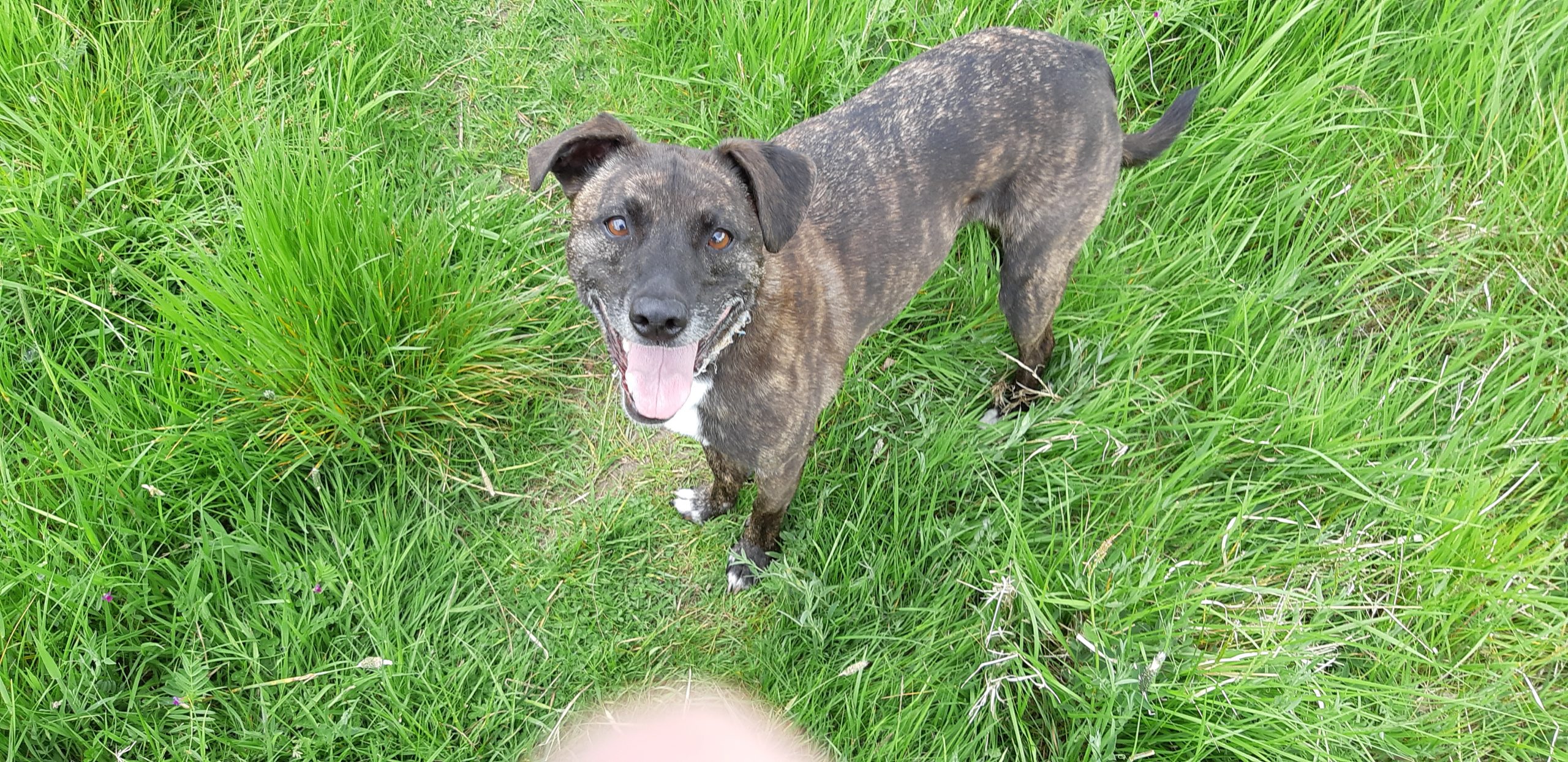
Of course they are! Just ask Barky MacBarkFace, the wonder dog. She’s a bit shy and is hiding from the monster above, however.


But, she says Woof!

Lorem ipsum dolor sit amet, consectetur adipiscing elit. Ut elit tellus, luctus nec ullamcorper mattis, pulvinar dapibus leo.

Or as we say in the trade, a picture of a glider.  

Image on left is a glider sitting on top of another image to make one single image, and the glider appear to be sticking out over the edge of the blue bit. You can see it’s not sticking out by looking at the white bit the glider sits over, it’s not the background of the text or the page – so make it match if use this trick.

Barky macbarkface

This is Barky MacBarkface

Little Ms Barky is well know for, well, barking. And chasing balls. She's really good at chasing balls. Except when Max the retired greyhound decides to casually lope along next to her, totally effortlessly still in second gear, and gets there first. The Title box can be set via the Title HTML Tag near the bottom of the Content editing section. Most are an H4, the empty one is an H3.

This needs an image

This is a test of having four columns, having tried three. So you will just have to believe me that with three the images were a bit big, and I thought I'd try it with four columns. Note that image width is set at 100% as it defaults to 30%

Fake paragraphs using two br tags, as Description is meant to be a description, not paragraphs. May be other html tags will work.
This is Gingey

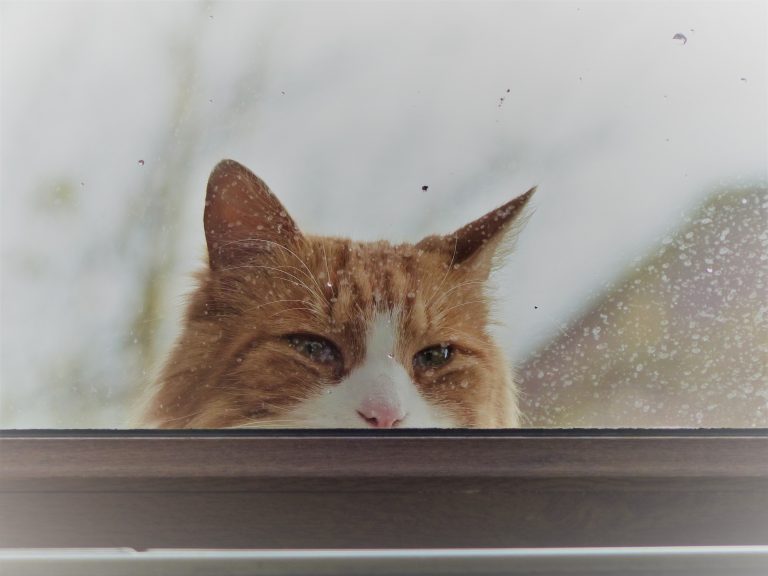
The Legend that is Gingey Puss. The most laidback, coolest cat in site.

Here the images are about 400px wide.
I did try 300px wide instead - too small when it was three columns.

Now you might wonder why the header for the LS8 is much lower down than that of these first three - there is a setting called Spacing under Style and the first three are set at 15px, while the LS8 is set at 100px. So we could set all the headers in a line if we wanted to.
The Fabulous LS8

All LS8s are fabulous, but this one is so good they named it twice - LS8 the LS8 The border radius here is set at 50px. The others are only 35px. Set html tag to H4 Under Style > Content select Left aligned. Gingey and LS8 are both left aligned, but Ms Barky is centred.​